Prime Entity · Plug-ins

Distking

The king of distortion

Eight stages — filter, dual distortion, three EQs, wave shaper, reverb — processed as one oversampled path. Seven knobs in Easy Mode. Full chain control in Advanced.

Or try it free first
  • VST3 · AU · Standalone
  • macOS, Apple Silicon and Intel
  • Activate once, then offline
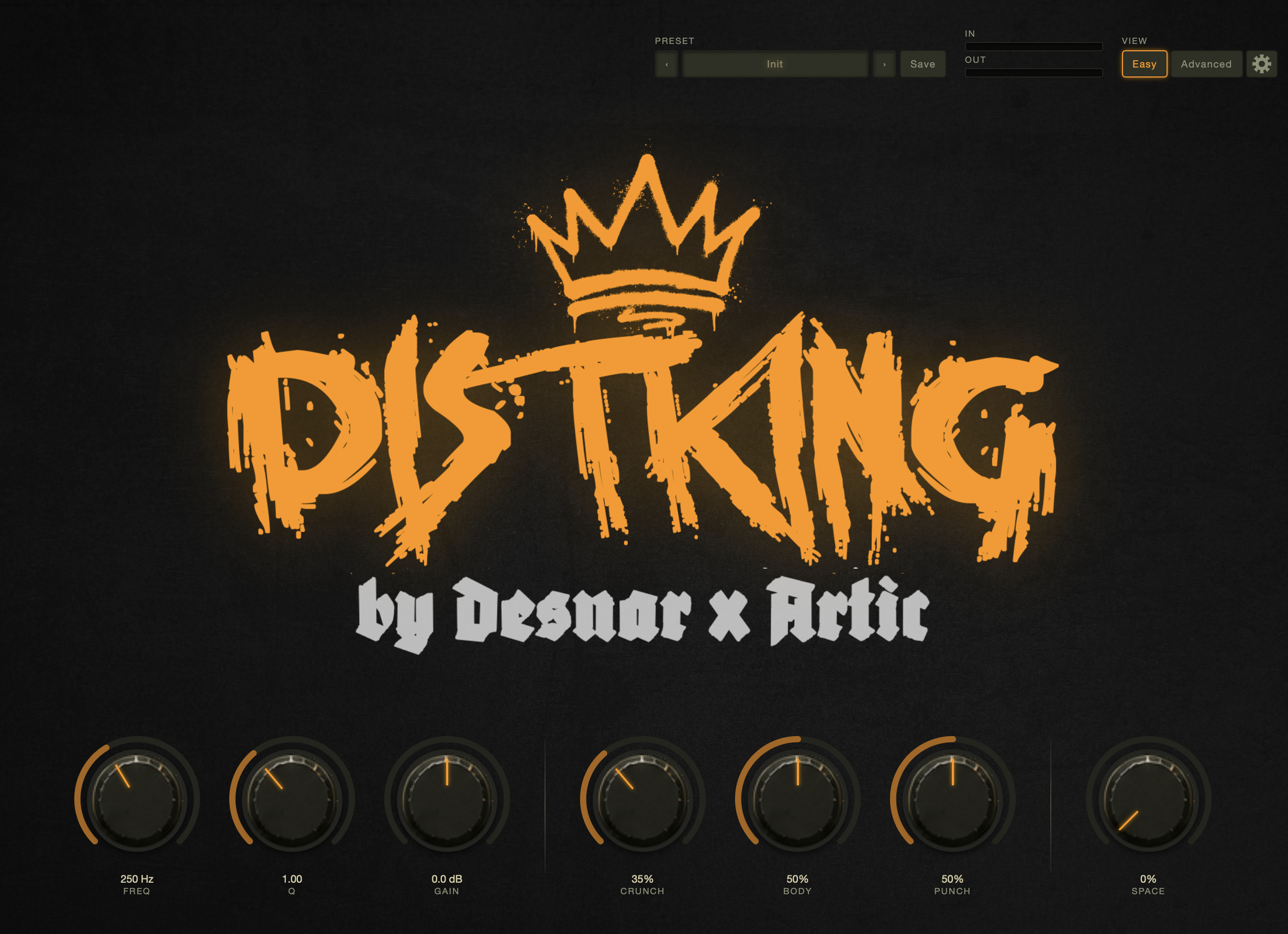
Distking 0.1.6 · Easy Mode Distking Easy Mode — seven knobs: Freq, Q, Gain, Crunch, Body, Punch and Space
Why it exists

A full chain.
One plug-in.

Building distortion with separate tools means each stage knows nothing about the next. An EQ between two distortions that knows it sits between two distortions is a different thing entirely.

The usual approach

Seven plug-ins just to shape a sound.

  1. Insert a high-pass filter to clean the low end
  2. Add a first distortion stage
  3. Tame the harshness with an EQ
  4. Add a second distortion for character
  5. Shape the frequency balance again
  6. Add a wave shaper for harmonics
  7. Glue it all with reverb at the end

Then route, balance, and start over for every new sound

With Distking

One insert. Eight stages.

  1. Drop Distking on the channel and turn up Crunch.

All eight stages run as a single oversampled path — the EQs know exactly what the distortions around them are doing. Easy Mode collapses it all to seven knobs. Advanced Mode puts every parameter at your fingertips.

One insert. All stages. Zero compromise.

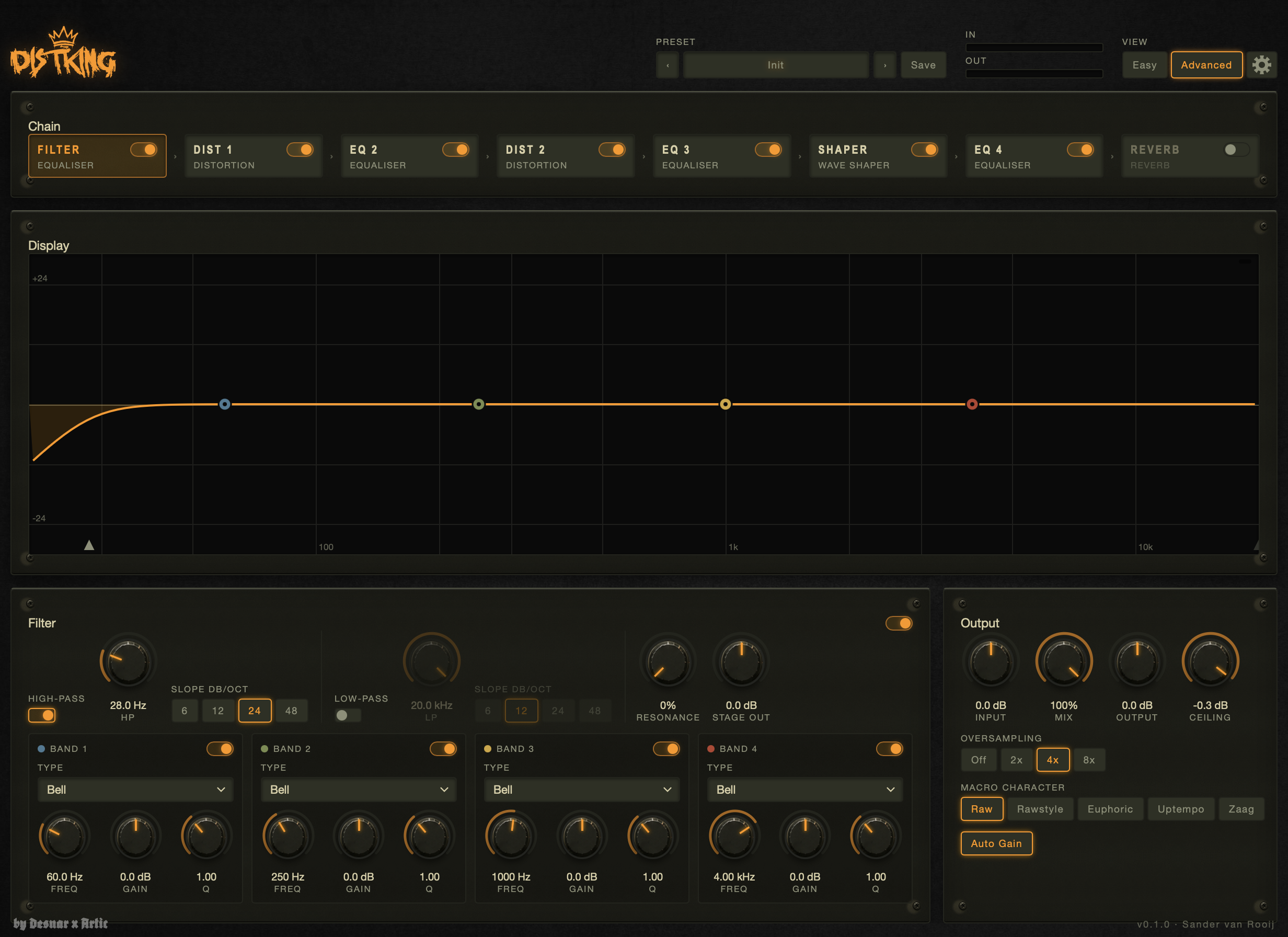
Distking 0.1.6 · Advanced Mode Distking Advanced Mode — full eight-stage chain with EQ display
Two ways in

Seven knobs.
Or the full chain.
You choose.

Easy Mode gives you exactly seven controls: Freq, Q, Gain, Crunch, Body, Punch and Space. Everything you need to dial in a sound and keep it moving.

Switch to Advanced Mode for the full eight-stage chain: Filter, Dist 1, EQ 2, Dist 2, EQ 3, Shaper, EQ 4 and Reverb. Choose a Macro Character — Raw, Rawstyle, Euphoric, Uptempo or Zaag — and adjust oversampling from 2× to 8×.

Your workflow, your way.

What's inside

Eight stages.
One path.

Every stage runs inside the same oversampled block. The second distortion hears the EQ that came before it. The shaper hears both distortions. Nothing is bolted on.

01

Filter

A parametric high-pass and low-pass filter with variable slope (6, 12, 24 and 48 dB/oct) plus four fully configurable EQ bands. Shape the raw signal before it hits the first distortion so the harmonic generation works from exactly the spectrum you intend.

02

Dual distortion stages

Two independent distortion stages with Drive and Character controls, separated by a full parametric EQ. Because both stages run inside the same oversampled path, the second distortion works on the harmonics already created by the first — not on an artificially clean signal. Stack them for dense saturation, or use one light and one hard for contrast.

03

Wave Shaper

A dedicated waveshaping stage after the second distortion. Adds harmonic texture and nonlinear character that pure clipping and saturation cannot produce. The transfer curve is displayed in real time in Advanced Mode so you see exactly what the shaper is doing to the waveform.

04

Macro Character

Five one-click starting points — Raw, Rawstyle, Euphoric, Uptempo and Zaag — that set the whole chain to a coherent sound in one click. Each one balances the eight stages differently. Pick the closest one to where you want to end up, then adjust individual stages from there.

05

Reverb

A reverb stage at the end of the chain — after the oversampled block — adds space and depth without contributing aliasing. Controlled by the Space knob in Easy Mode. Useful for sending the distorted signal into an ambient tail without a separate return channel.

06

Oversampling & Auto Gain

Run the entire nonlinear chain at 2×, 4× or 8× the project sample rate to push aliasing well above the audible range. Auto Gain compensates for the level changes that come with heavier drive settings so comparing settings is a fair comparison, not a loudness race.

Before you buy

Hear it on
your own sound.

The download is the full plug-in. Without a licence it runs in demo mode: every twenty seconds the audio briefly mutes for five seconds, then fades back in. Every stage, every parameter, every preset available to try before you decide.

VST3, AU and Standalone. macOS 11 or later, Apple Silicon and Intel.

Download the demo
Turning the demo into the full version

One sign-in. Done.

  1. Buy Distking below
  2. Check your email for the password link
  3. Open Distking and sign in
  4. The licence is stored locally — no internet required after that
Get Distking

One licence.
Offline forever.

Sign in once inside the plug-in, and it stores a signed licence locally. No internet required after that. One computer at a time — move it yourself from your account whenever you need to.

After purchase you receive an email with a link to set a password. From there, sign in inside Distking on macOS. The licence is stored on that machine and survives reinstalls and OS updates.

Questions? Mail info@prime-entity.nl

Distking

The king of distortion

€79,- €49,- one-off · excl. VAT

Introductory price. VAT is added at checkout where it applies.

  • VST3, AU and standalone build
  • macOS 11+, Apple Silicon and Intel
  • Easy Mode — seven knobs
  • Advanced Mode — full eight-stage chain
  • Dual distortion stages with Character
  • Three parametric EQs in-chain
  • Wave Shaper with real-time display
  • Reverb stage with Space control
  • Macro Character presets
  • Up to 8× oversampling
Questions

About Distking

How does activation work?

After purchase you receive an email with a link to choose a password. Open Distking in your DAW or as a standalone, sign in with your email and password, and the plug-in stores a signed licence locally. No internet required after that. You can move the licence to another machine from your account at prime-entity.nl/account.

Why does the stage order matter?

When all stages run as one oversampled path, each stage processes the output of everything before it. An EQ between two distortions shapes the harmonic content that the second distortion will work with — not a clean bypass signal. You get interactions that are impossible to replicate with separate plug-ins in a chain.

What does Macro Character do?

Each Character preset — Raw, Rawstyle, Euphoric, Uptempo and Zaag — sets the whole chain to a tuned starting point: specific drive amounts, EQ curves, shaper shape and reverb settings that work together for that sound. Pick the closest one and adjust from there, or build from Init if you prefer a blank state.

Is there a demo?

Yes. Download the demo here — it's the full plug-in. Without a licence it mutes briefly every twenty seconds. Every stage and every parameter is available to try. Purchase unlocks it permanently.

Does it work on Windows?

Distking launches on macOS (11 or later, Apple Silicon and Intel). A Windows version is not planned for the initial release.

Will a ReFOLVK, FOLVKano or FOLVKlip licence cover Distking?

No. Distking is a separate product with its own licence. Your existing purchases stay exactly as they are.

Also from Prime Entity

The plug-in family

ReFOLVK, FOLVKano and FOLVKlip are available now. Same activation model, same offline licence, same family.

View ReFOLVK View FOLVKano View FOLVKlip
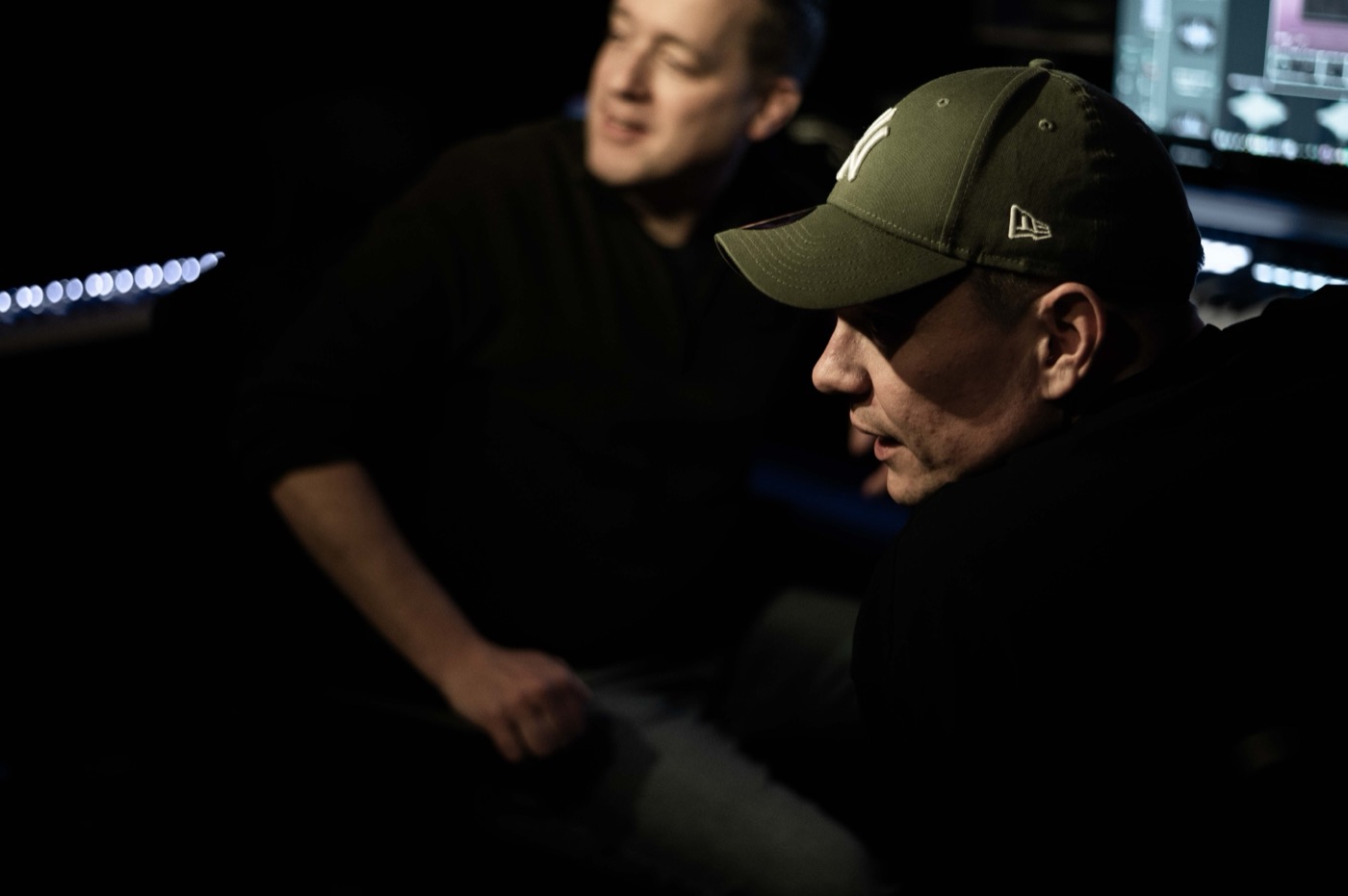
Sander and Erik at work in the studio
The makers

We make plugins because we love music. The emotion, the energy, and the endless process of shaping an idea into something that truly feels alive. As producers ourselves, we know that the best tools don’t interrupt creativity. They support it.

That’s why every FØLVK plugin is built with passion, care and real craftsmanship. We focus on what truly matters: great sound, an inspiring workflow and controls that simply make sense. No unnecessary complexity. No endless menus. Just powerful, reliable tools designed to make the lives of fellow producers easier and more effective.

Simple by nature. Serious in sound. Made for music.

Sander & Erik