
Prime Entity · Plug-ins

FOLVKlip

Mastering clipper

Clip harder. Keep the punch. Choose the character.
Four controls in Easy Mode. Full mastering precision in Advanced. The punch that disappears when you clip hard FOLVKlip brings it back.

Or try it free first
  • VST3 · AU · Standalone
  • macOS, Apple Silicon and Intel
  • Activate once, then offline
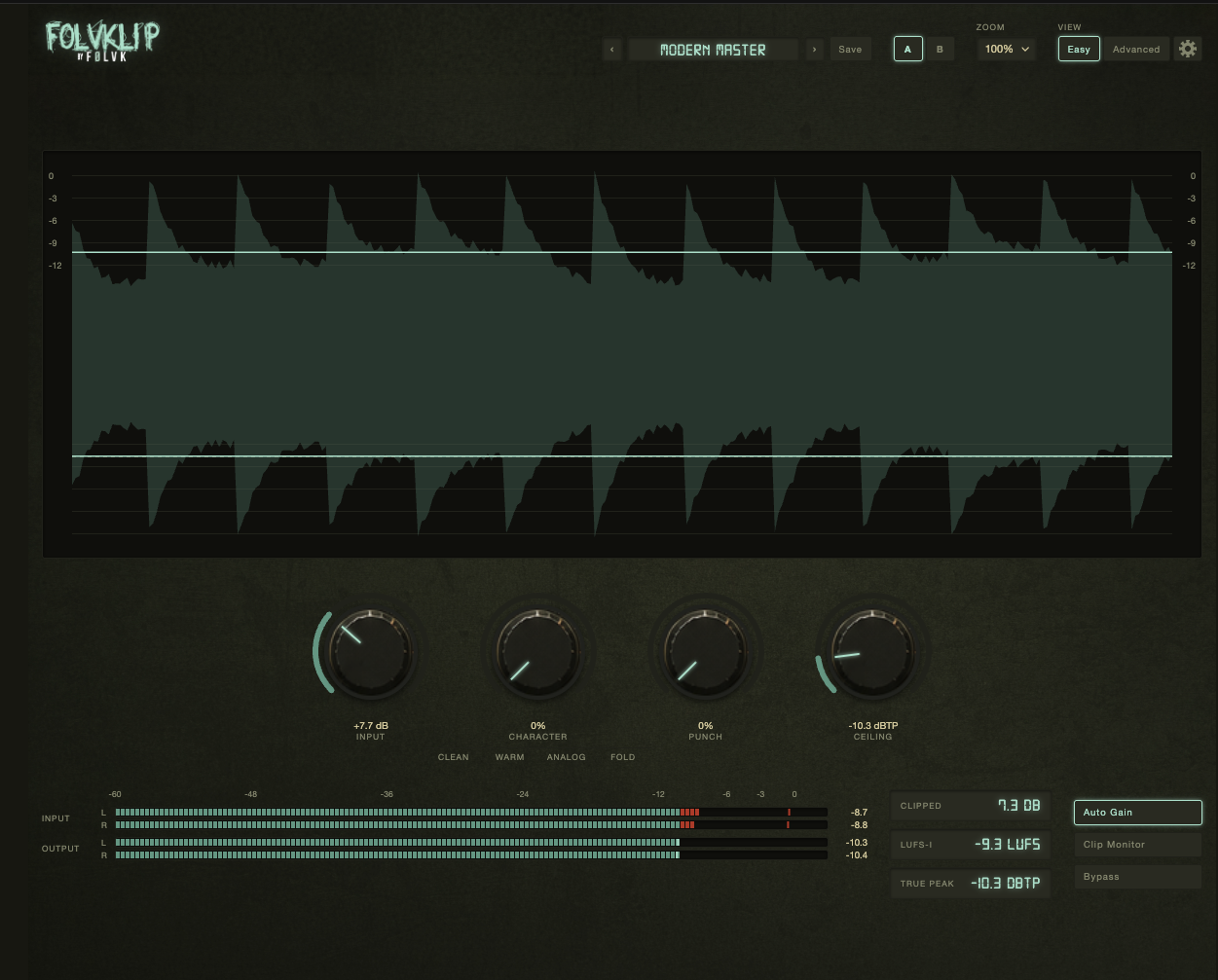
FOLVKlip 0.4.3 · Easy Mode FOLVKlip Easy Mode four controls: Drive, Character Morph, Punch Memory and Output
Why it exists

Clip harder.
Lose nothing.

Aggressive clipping kills transients and flattens punch. Getting the energy back means more plug-ins, more routing, more time. There is a better way.

The usual approach

Seven steps just to clip a master.

  1. Load a clipper and set the ceiling
  2. Notice the kick has lost its punch
  3. Add a transient shaper after the clipper
  4. Route the pre-clip signal to a parallel channel
  5. Blend in the unclipped transients by ear
  6. Add saturation to get the character back
  7. Repeat the whole chain every time you need it

Then go back and mix everything again

With FOLVKlip

One insert. Done.

  1. Drop FOLVKlip on your master bus and turn it up.

That's it.

Clip Target sets how hard you clip. Punch Memory brings back what the clipper took. Character Morph shapes the sound from transparent to warm to analog to fold. All in one insert, with no routing.

One plug-in. One insert. Zero compromise.

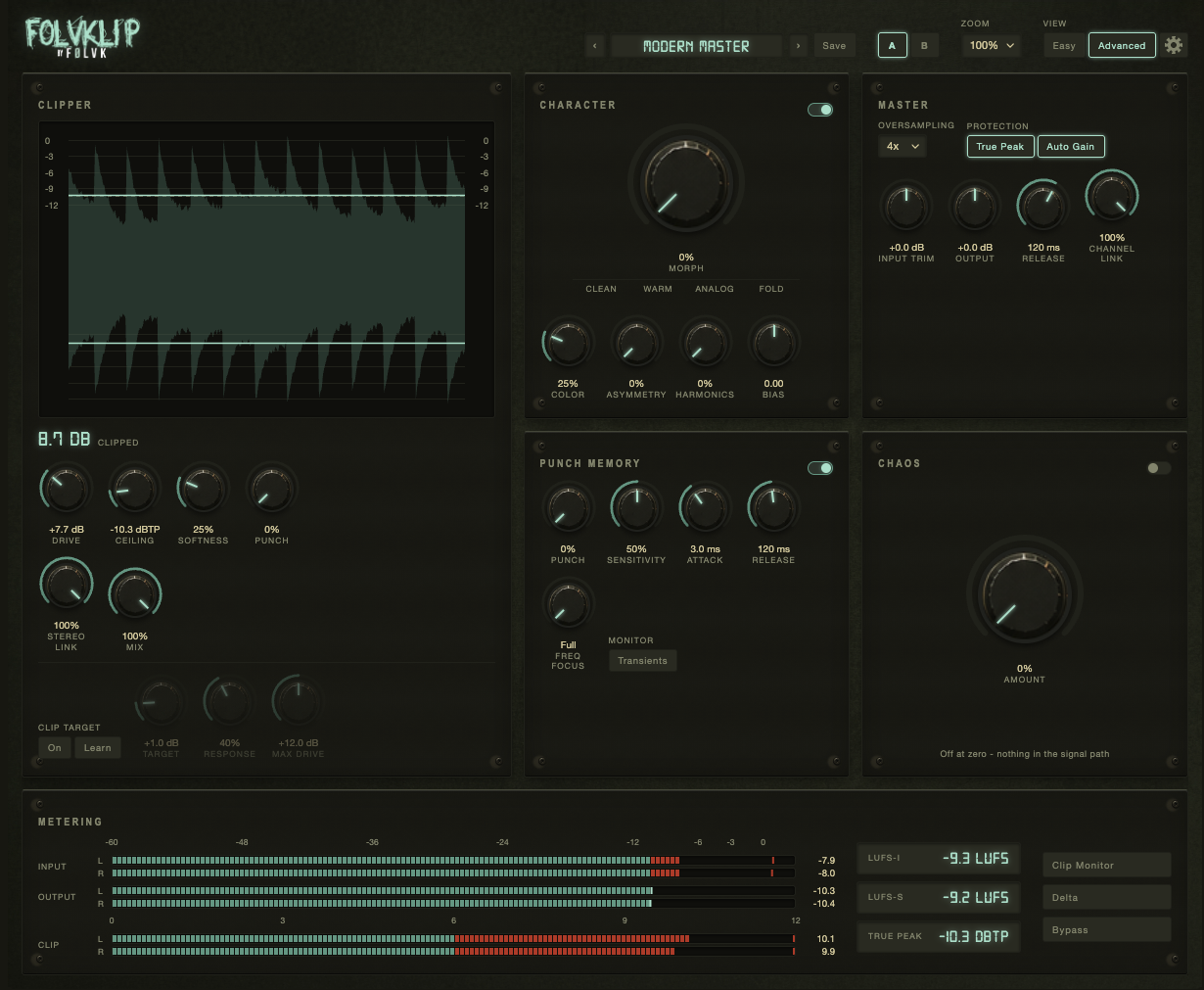
FOLVKlip 0.4.3 · Advanced Mode FOLVKlip Advanced Mode full parameter control with six panels
Two ways in

Four knobs.
Or forty.
You choose.

Easy Mode gives you exactly four controls: Drive, Character Morph, Punch Memory and Output. Everything you need to clip a master and keep it sounding right.

Need more? Switch to Advanced Mode and unlock the full parameter set Clip Target automation, Character detail, Punch Memory tuning, CHAOS, and a complete metering suite. Start simple. Go as deep as the master demands.

Your workflow, your way.

What's inside

Built around
four ideas

Most clippers take a signal and hard-limit it. FOLVKlip goes further: it preserves transient punch, lets you shape the character of the clip, and keeps you in control of exactly how much clipping is happening all in one plug-in.

01

Clip Target

Choose how much clipping you want 0.5 dB, 1 dB, 2 dB, 3 dB, or a custom amount and FOLVKlip adjusts the Drive to keep the clip amount consistent as the track's loudness changes. No pumping, no sudden jumps, no fighting the fader. A Learn Mode analyses a section of the track and proposes a starting point; you confirm before anything changes.

02

Character Morph

A single knob moves continuously through four clipping characters Clean, Warm, Analog and Fold with every position in between giving a genuine blend, not a hard switch. Clean is transparent and suited to subtle mastering. Warm rounds things off. Analog adds colour and asymmetry. Fold brings wavefold harmonics and a more aggressive edge. Advanced Mode adds independent controls for Color, Asymmetry, Harmonics and Bias.

03

Punch Memory

Hard clipping removes transient energy. Punch Memory compares the signal before and after clipping, then carefully reintroduces a controlled amount of the original impact. Kicks stay tight. Snares stay present. The result is a master that sounds loud without going flat. This is not a transient shaper bolted on at the end it works from the pre-clip signal itself. Advanced Mode adds Sensitivity, Attack, Release, Frequency Focus and a Transient Monitor.

04

Controlled CHAOS

Available in Advanced Mode only. CHAOS adds a controlled combination of asymmetric clipping, extra harmonics, wavefold variation, subtle modulation and small left/right differences the kind of life that makes a master feel less processed. At low amounts it adds analogue texture. At higher amounts it becomes a creative sound design tool. Defaults to 0% and never pushes the output above the set ceiling, no matter how high it goes.

05

Full Metering Suite

Input and output metering per channel, a dedicated Clip meter, LUFS-I, LUFS-S, True Peak, Clip Monitor, Delta mode and Auto Gain. Everything you need to make informed decisions without switching tools. The waveform display shows the clipping threshold in real time so you can see exactly what is being clipped before you hear it.

06

Presets

Factory presets across eight groups: Clean Mastering, Loud Mastering, Warm, Analog, Punch, Creative, CHAOS and Experimental. Save your own presets to a plain folder under Documents that FOLVKlip can open for you. Nothing locked in a database you cannot reach.

Before you buy

Hear it on
your own mix.

The download is the full plug-in. Without a licence it runs in demo mode: every twenty seconds the audio briefly mutes for five seconds, then fades back in. Every engine, every parameter, every preset all of it available to try before you decide.

VST3, AU and Standalone. macOS 11 or later, Apple Silicon and Intel.

Download the demo
Turning the demo into the full version

One sign-in. Done.

  1. Buy FOLVKlip below
  2. Check your email for the password link
  3. Open FOLVKlip and sign in
  4. The licence is stored locally no internet required after that
Get FOLVKlip

One licence.
Offline forever.

Sign in once inside the plug-in, and it stores a signed licence locally. No internet required after that. One computer at a time move it yourself from your account whenever you need to.

After purchase you receive an email with a link to set a password. From there, sign in inside FOLVKlip on macOS. The licence is stored on that machine and survives reinstalls and OS updates.

Questions? Mail info@prime-entity.nl

FOLVKlip

Professional mastering clipper

€34,95 €24,95 one-off · excl. VAT

Introductory price. VAT is added at checkout where it applies.

  • VST3, AU and standalone build
  • macOS 11+, Apple Silicon and Intel
  • Easy Mode four controls
  • Advanced Mode full parameter set
  • Character Morph Clean to Fold
  • Punch Memory transient recovery
  • Clip Target adaptive drive control
  • Controlled CHAOS Advanced Mode only
  • Factory preset library
  • Full metering suite
Questions

About FOLVKlip

How does activation work?

After purchase you receive an email with a link to choose a password. Open FOLVKlip in your DAW or as a standalone, sign in with your email and password, and the plug-in stores a signed licence locally. No internet required after that. You can move the licence to another machine from your account at prime-entity.nl/account.

What is Punch Memory and how is it different from a transient shaper?

A standard transient shaper works on the output signal it does not know what the signal looked like before your clipper shaped it. Punch Memory compares the pre-clip signal to the clipped result and reintroduces a controlled portion of the original transient energy. The result is a master that sounds loud and punchy, not loud and flat.

What does Character Morph actually do?

It moves continuously through four clipping algorithms Clean, Warm, Analog and Fold. Every position in between gives a real blend of the two adjacent characters, not a hard switch. Clean is transparent. Warm rounds off the clip shape. Analog adds asymmetry and colour. Fold introduces wavefold harmonics. Advanced Mode adds individual control over Color, Asymmetry, Harmonics and Bias.

What is Controlled CHAOS?

CHAOS is an Advanced Mode-only feature that adds a controlled mix of asymmetric clipping, extra harmonics, wavefold variation, subtle left/right differences and modulation the kind of random variation that makes a signal feel alive rather than processed. At 0% it has no effect at all. It defaults to 0% and the output never exceeds the set ceiling regardless of how high CHAOS is set.

Is there a demo?

Yes. Download the demo here - it's the full plug-in. Without a licence it mutes briefly every twenty seconds. Every engine, every parameter and every preset is available to try. Purchase unlocks it permanently.

Does it work on Windows?

FOLVKlip launches on macOS (11 or later, Apple Silicon and Intel). A Windows version is not planned for the initial release.

Will a ReFOLVK or FOLVKano licence cover FOLVKlip?

No. FOLVKlip is a separate product with its own licence. Your existing ReFOLVK or FOLVKano purchase stays exactly as it is.

Also from Prime Entity

The plug-in family

ReFOLVK and FOLVKano are available now. Same activation model, same offline licence, same family.

View ReFOLVK View FOLVKano
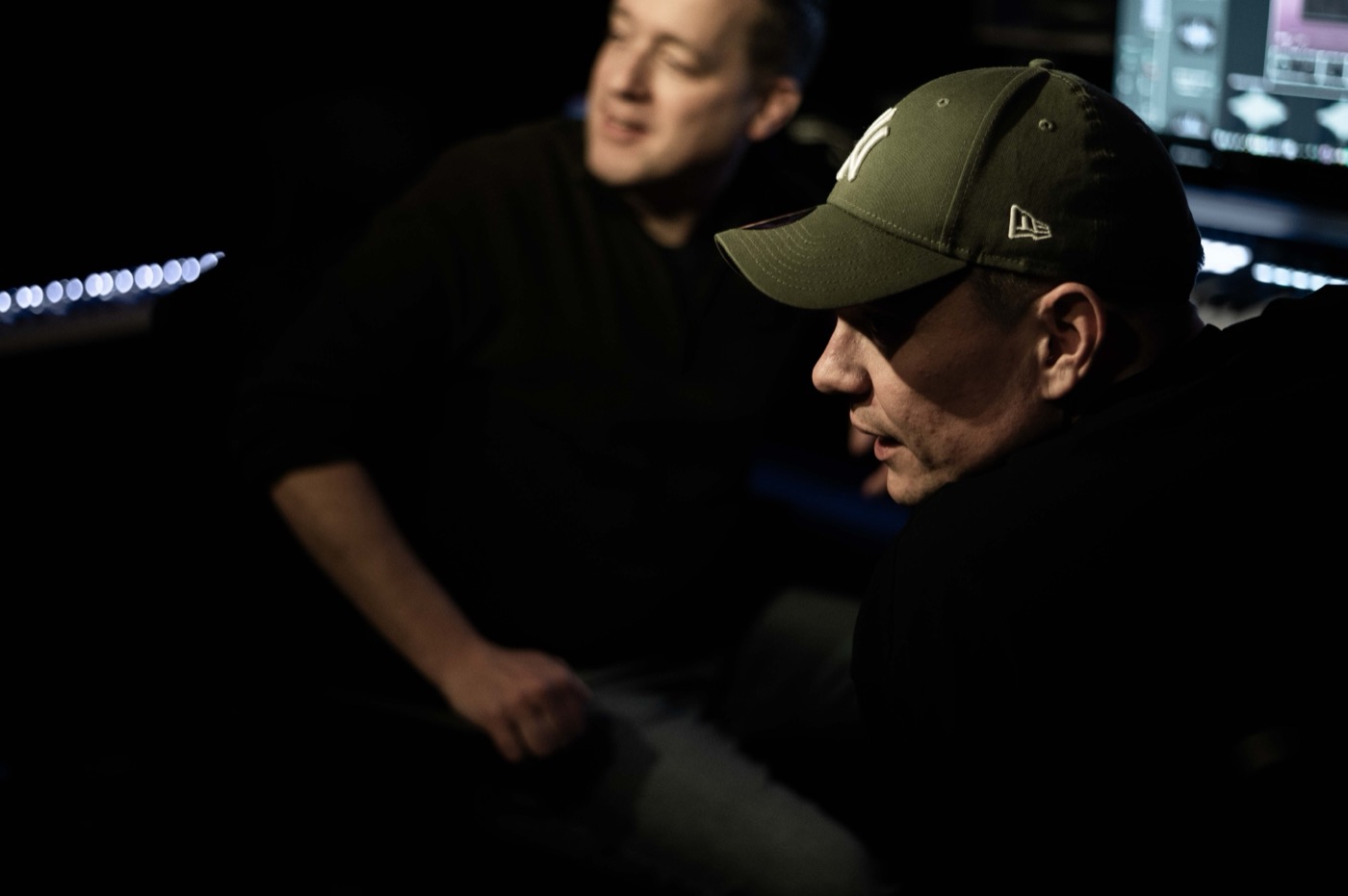
Sander and Erik at work in the studio
The makers

We make plugins because we love music. The emotion, the energy, and the endless process of shaping an idea into something that truly feels alive. As producers ourselves, we know that the best tools don’t interrupt creativity. They support it.

That’s why every FØLVK plugin is built with passion, care and real craftsmanship. We focus on what truly matters: great sound, an inspiring workflow and controls that simply make sense. No unnecessary complexity. No endless menus. Just powerful, reliable tools designed to make the lives of fellow producers easier and more effective.

Simple by nature. Serious in sound. Made for music.

Sander & Erik